This update saves time for small business teams by automating document review and streamlining communication workflows.
What’s Google Docs Gemini AI and what changed?
Google Docs Gemini AI now includes comment workflows that read, summarize, and act on collaborator feedback. This update allows the AI to manage document review tasks directly within the text.
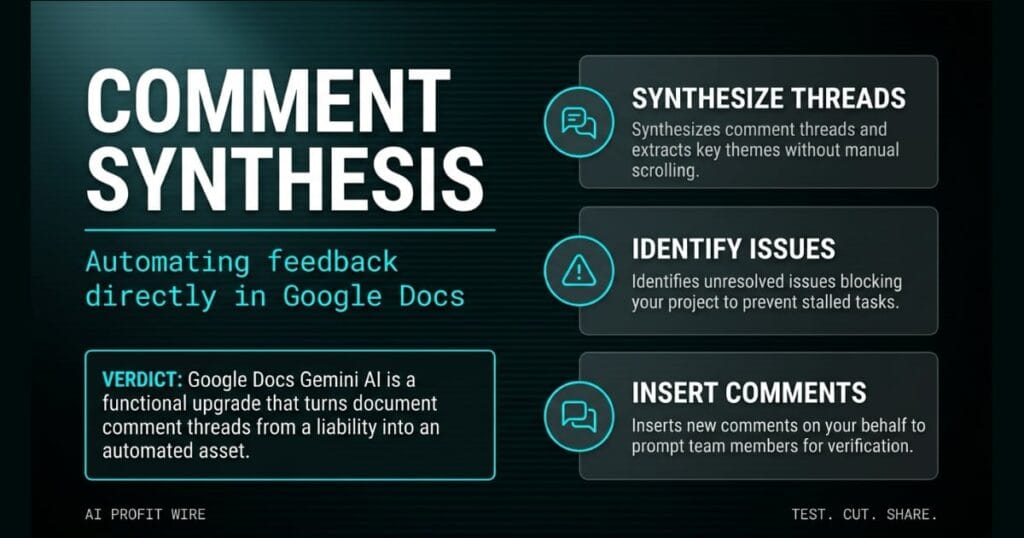
The new features enable Gemini to synthesize comment threads and extract key themes. You can ask the AI to identify unresolved issues blocking your project, which removes the need to manually scroll through long discussions.
Gemini can also insert new comments on your behalf, like asking a team member to verify stats in a launch readiness section. This automates the delegation process and speeds up team collaboration.
Google Docs Gemini AI transforms passive comment threads into automated, actionable workflows.
What’s the evidence behind Google Docs Gemini AI?
The source announcement details Gemini’s ability to summarize comment threads and extract key themes directly inside Google Docs.
The documentation provides specific examples of the AI in action, like asking it to summarize all comments from a specific collaborator. It also confirms the AI can insert comments on your behalf to prompt team members.
The update allows users to ask the AI to review a blog post as a copy editor, leaving comments focused on clarity and narrative flow. Google positions this as a time-saving tool for document review.
The official announcement provides concrete use cases for Gemini summarizing feedback and inserting delegated tasks.
How does Google Docs Gemini AI compare to the alternatives, and what background do small business owners need?
Google Docs Gemini AI builds collaboration management directly into the document interface, which removes the need for external feedback tools. Small business owners often rely on manual scrolling to catch up on document changes.
Unlike standalone note apps, this AI operates on the existing text where the work happens. You can ask Gemini to summarize comments from a specific person without leaving the document.
The AI also acts as an automated copy editor by leaving comments focused on clarity and narrative flow. This internal approach eliminates the friction of exporting documents for external review.
Google Docs Gemini AI eliminates the friction of external review tools by automating feedback directly in the workspace.
How does Google Docs Gemini AI affect day-to-day operations for small businesses?
Small business teams save time by automating document review and streamlining communication workflows. The AI removes the manual effort of synthesizing feedback.
You can ask Gemini to identify unresolved issues blocking a project, which prevents stalled tasks. The AI also inserts comments on your behalf to prompt team members for verification.
This functionality directly reduces the hours spent digging through comment threads to find action items, an operational drag we track across our broader coverage of AI-assisted team collaboration tools for small business owners.
Automating comment synthesis and delegation accelerates document review and keeps small business projects moving.
The smell of sawdust hits you first, then the cold draft from the propped open loading door. You pull up the vendor invoice for the latest shipment of power tools on your laptop, and a thread of margin comments from your shift supervisors clutters the file.
Someone flagged a pricing discrepancy on the table saws, another questioned the SKU count on the boxes of nails, and you have to scroll through every single note to figure out what actually needs your attention before you can pay the bill. This is the exact operational drag Google targets with its new AI comment workflows.
Instead of reading every margin note, you ask the AI to extract the unresolved issues blocking the invoice approval. The AI synthesizes the thread, tells you the table saw pricing is wrong, and automatically inserts a comment asking your floor manager to verify the physical count, which closes the loop without you playing middleman between two notebooks.
What’s the final verdict on Google Docs Gemini AI?
The final verdict is that Google Docs Gemini AI delivers a practical time-saving update for small business teams. It automates the manual labor of document review and delegation.
The AI extracts key themes, identifies unresolved issues, and inserts comments on your behalf. This functionality directly streamlines communication workflows.
Small business owners can use this to clear comment clutter and keep projects moving without manual scrolling. The update replaces passive reading with automated action.
Google Docs Gemini AI is a functional upgrade that turns document comment threads from a liability into an automated asset.
Source: workspaceupdates.googleblog.com
