Significant time savings for web research, lead generation, and rapid deployment of simple business sites.
What is ChatGPT Work?
ChatGPT Work is OpenAI’s task-oriented agent mode, announced July 9 and available to $20-a-month and up subscribers. It splits into 2 products: Work Cloud, which runs through chatgpt.com and the mobile apps, and Work Local, which runs programs directly on your computer through the desktop app.
The dividing line with regular chat is the outcome: OpenAI’s guidance says use Chat when you want an answer and Work when you want a completed task, such as a brief, an analysis, a recurring update, or a file you can review. Simon Willison, who documented the product in detail, calls that distinction almost entirely useless, since he has used chat for those exact tasks for years.
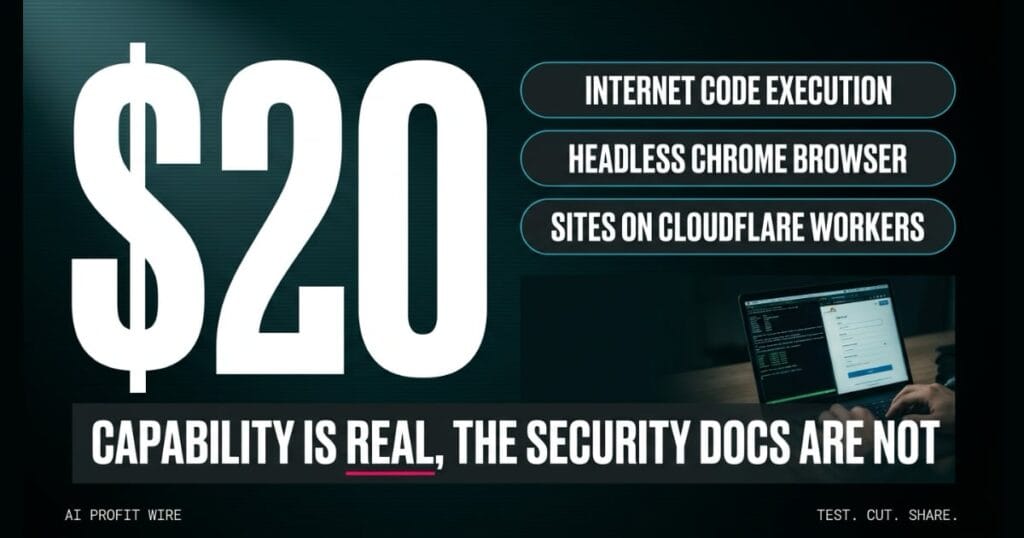
The features that actually separate Work are concrete: internet-connected code execution, a headless Chrome browser, a persistent filesystem, ChatGPT Sites deployment, and sub-agent sessions. Free users and $8-a-month Go users do not get access.
It is a cloud workspace for finishing tasks, not a faster chat window.
Does ChatGPT Work actually execute code with internet access?
Yes, and this is the headline capability. The code execution environment can talk to the rest of the internet, while regular chat blocks package installs and external APIs at the container proxy.
Work can clone GitHub repositories, install their dependencies, and use them to interact with the rest of the web. Domain access is configurable through an allowlist, but the default appears to be open to all.
The browser side is a full headless Chrome instance that loads pages, fills forms, takes screenshots, and runs JavaScript against the DOM of live sites. If a site requires sign-in, the browser hands control to you for passwords and 2FA codes without routing those credentials through the model.
The sandbox wall between your AI and the open web is now officially optional.
ChatGPT Work vs regular ChatGPT: which should a small business use?
Work wins on multi-step projects and Chat wins on speed and simplicity. The persistent filesystem is the practical dividing line: chat resets its filesystem every session, while Work keeps each session’s scratch folder and mounts the shared workspace volume into every running session.
Willison reports 171 persistent folders in his own workspace, with file edits from one running session instantly visible to the others. Work also unlocks model variety, GPT-5.6 Sol, Luna, or Terra with reasoning levels up to Ultra, while $20 chat subscribers cap out at High and the Extra High and Pro tiers sit behind the $100-a-month plan.
Sub-agents are Work-only, chat cannot run them, and they matter when a complex project benefits from parallel agents. Scheduled prompts turned out to work in regular chat too, though pairing them with Work features like hourly site updates is where they get interesting.
Use Chat for questions, use Work for projects, and price the difference at $20 a month.
Who is ChatGPT Work actually for?
It is built for power users who want autonomous web research, site prototyping, and data-gathering pipelines without maintaining infrastructure. One example from the source: a single prompt asked Work to find every place in London with a pelican in her piety, turn the results into a JSON file, and build and deploy a live site about them.
On our hype scale this one lands at 7 out of 10, because the capability is genuinely delivered rather than promised. The audience it fits best is a founder who values execution speed and already knows what data should never enter the workspace.
A small business owner can realistically use it for scraping research across multiple sites into structured files, or standing up a simple site on Cloudflare Workers with D1 and R2 storage behind it. Builds that need deep customization still belong with a professional website builder aimed at businesses that outgrow templates.
Speed-focused founders get real leverage here, as long as the data boundaries are set first.
A heavy hardcover hits the sorting table in the back of the bookshop, and the new hire calls the 19th-century history section fully cataloged. The digital ledger shows the job complete, and the rare first editions are sitting in the system at 1920s prices.
Nobody checks the valuations, because the report said finished and the day still had 6 more jobs in it. The gap holds quietly until a dealer buys a first edition at lunch money prices.
That’s the $20-a-month agent in bookshop form: the task gets reported complete, the system prompts that decided what “complete” means stay hidden, and the error surfaces only after the money has moved. Trading an hour of verification for that risk is a bad trade at any subscription price.
Is ChatGPT Work worth $20 a month?
For public research, prototyping, and site builds, yes, the capability per dollar is unusually high. For anything involving private client data, the honest answer is that nobody outside OpenAI can currently audit the protections.
Willison runs Work through his lethal trifecta test for agent risk: access to private data, exposure to untrusted content, and a way to communicate stolen information back to an attacker. Work combines all 3, and OpenAI has not published the system prompts or tool descriptions that would let an outsider verify how prompt injection is handled.
His closing critique is that OpenAI explains Work in terms of what it’s for, not what it does, and hides the documentation that would resolve the confusion. Until that changes, the safe posture is treating Work as a powerful public workspace rather than a private one.
Worth $20 for public work, not worth the risk for private data, and the documentation gap is the reason.
Source: simonwillison.net
