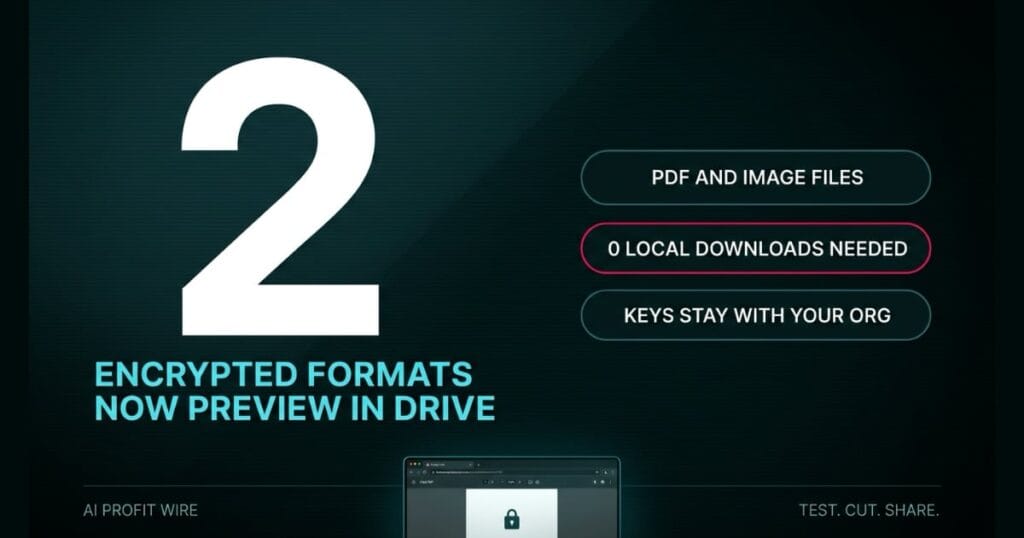
Reduces security risks by eliminating unnecessary local downloads of confidential client data.
What changed in Google Drive CSE previews?
Google Drive now allows authorized users to preview client-side encrypted (CSE) files directly in the web browser.
The update supports 2 specific file formats: encrypted PDF documents and encrypted image files. These can now be viewed without leaving the Drive interface.
Previously, users had to download these non-native encrypted files to their local devices to see the content. This beta removes that requirement for eligible Workspace admins.
Google Drive now eliminates the need for local downloads to view encrypted PDFs and images.
Does Google Drive CSE preview actually keep files secure?
Yes, because the encryption remains client-side and is not decrypted by Google.
Organizations maintain full control over their encryption keys. This means the data remains indecipherable to third parties, including Google.
The preview happens within the browser for authorized users, maintaining the security perimeter of the CSE framework. It avoids the creation of unmanaged local copies on employee hardware.
The security of the data remains intact because Google never has access to the encryption keys.
Do you still need to download encrypted files in Google Drive?
Not anymore, if your organization joins the beta. The old workflow required a mandatory local download to view any non-native encrypted file.
That workflow created a security gap where sensitive client data lived on local hard drives after a task was finished. It also slowed down productivity by adding multiple steps to a simple viewing task.
The new beta allows for immediate viewing in the browser. This streamlines the process and removes the risk of orphaned sensitive files on local machines.
The shift from local downloads to browser previews removes a primary point of data leakage.
Who does Google Drive CSE preview actually affect?
This update is for Workspace admins with eligible licenses who handle highly confidential client data. The eligible SKUs are Enterprise Plus, Education Standard and Plus, Frontline Plus, and the Assured Controls editions.
It specifically impacts businesses in legal, finance, or healthcare where PDF and image security is mandatory. If your team still passes confidential contracts back and forth by email, that workflow is the same leak wearing a different coat, and it is worth tracking the weekly AI risk feed as the tooling shifts.
The feature is currently in beta, meaning it is not yet available to all Workspace users. Only those who sign up through the admin console can deploy it.
This is a critical tool for founders who must enforce strict data residency and access rules.
The signed contract proof sits in a print shop’s downloads folder because someone had to open it to check one signature page. The vault did its job. The desktop copy is the one nobody shreds.
Google’s old encrypted-file workflow produced that same residue on every single view, and the new beta closes it for the 2 file types every client business actually ships, PDFs and images. The browser preview keeps the document inside the vault instead of copying it onto a laptop that leaves the building at 6.
The vault was never the risk. The residue is.
Does Google Drive CSE preview change anything for your business this quarter?
It changes the risk profile for any business that relies on CSE for client confidentiality.
Founders can now reduce their attack surface by auditing local download permissions. By moving to browser previews, you eliminate the risk of sensitive PDFs remaining on lost or stolen laptops.
Admins should identify which users handle the most sensitive encrypted PDFs and images. Those users should be moved to the beta immediately to stop the habit of local saving.
Eligible admins should move to the beta now to close the local download security gap.
Source: workspaceupdates.googleblog.com
