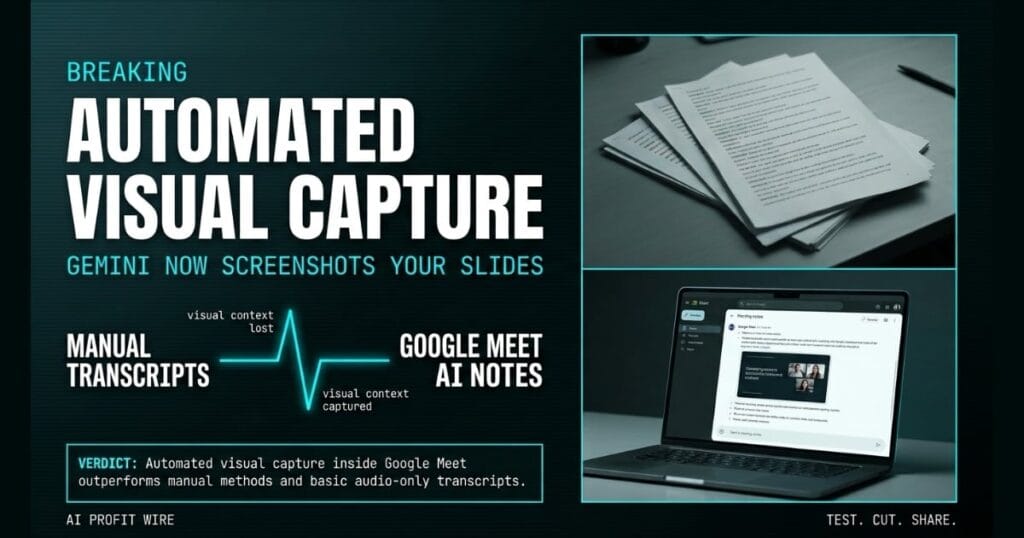
Saves time and prevents miscommunication by automatically documenting visual presentations without manual screenshot taking.
What is Google Meet AI Notes and what changed?
Google Meet’s ‘Take notes for me’ feature now automatically captures screenshots of presented content and embeds them directly into the meeting notes document. Gemini handles the capture, and the visuals land inside the doc your team already shares.
Transcripts capture what is said, but they miss visual context like charts, diagrams, and slides. When a speaker references a visual without describing it out loud, the notes become confusing or incomplete.
The rollout started August 3, 2026, on a gradual release of up to 15 days for feature visibility. Business Standard, Business Plus, Enterprise Standard, Enterprise Plus, and Google AI Pro for Education accounts all get access.
Google Meet AI notes now bridge the gap between spoken context and visual data.
What is the evidence behind Google Meet AI Notes?
The evidence comes directly from the official Google Workspace Updates blog. Admins configure the feature in the Admin console to either always allow screenshots of presented content or only allow them when a recording is enabled.
End users see a notification when they begin presenting in a meeting where notes are being taken. The notification states that Gemini may capture screenshots of the presentation to add to the notes.
The feature can be disabled from the notes panel, which gives the presenter control without interrupting the meeting flow. This transparency is documented in the official rollout notes.
The official documentation confirms direct admin controls and presenter-side opt-out.
How does Google Meet AI Notes compare to the alternatives, and what background do small business owners need?
Standard meeting transcripts rely entirely on audio, which means they fail when a speaker refers to a chart or diagram without describing it out loud. Google Meet AI notes solve this by layering visual capture on top of the text transcript.
Standalone transcription tools like Otter and Fireflies capture spoken words, but they do not embed screenshots of presented slides automatically. Google Meet’s integrated approach removes the need for a third-party tool when visuals matter.
Admins can enforce strict policies by restricting capture to only allow screenshots when a recording is enabled. This creates a secure baseline that many standalone transcription tools lack.
Automated visual capture inside Google Meet outperforms manual methods and basic audio-only transcripts.
How does Google Meet AI Notes affect day-to-day operations for small businesses?
Small business owners ensure their team retains critical visual context by automatically documenting visual presentations. The embedded screenshots provide necessary detail for future reference without manual capture.
Admins can configure the feature in the Admin console to either always allow screenshots or only allow them when a recording is enabled. This control prevents unauthorized capture during sensitive discussions.
When a presenter begins in a meeting where notes are being taken, they see a notification. The presenter can disable capture from the notes panel if the content is sensitive.
You can explore more AI operational signals to see how other tools handle automated data capture.
Day-to-day operations become faster and more accurate by eliminating manual visual documentation tasks.
A project manager closes a laptop at the end of a client call and opens the meeting notes to prep the follow-up email. The transcript shows the client asked about the slide with the Q3 numbers, but the slide itself is gone, and the only person who can describe it is the analyst who is now in another meeting.
The numbers were correct, the deck was correct, and the conversation was correct, but the visual proof lives only in someone’s memory. Google Meet’s new screenshot capture kills that gap, because Gemini grabs the presented slide at the exact moment the client references it and embeds it directly in the notes doc.
For a small business owner running client calls without a dedicated note-taker, this is the difference between sending an accurate follow-up in minutes and chasing three people for context across two days. The 2 admin controls let you keep this on for internal meetings and lock it down for sensitive client discussions.
What is the final verdict on Google Meet AI Notes?
Google Meet AI notes deliver a practical upgrade that automatically documents visual presentations. The admin controls provide necessary security boundaries, and the presenter-side opt-out keeps control with the person sharing their screen.
The feature captures screenshots of presented content directly in the meeting notes document, which ensures your team retains critical visual context. Admins can restrict access to only allow screenshots when a recording is enabled.
This update is a functional win for small business owners who rely on Google Workspace for daily meetings.
Source: workspaceupdates.googleblog.com
