Reduces meeting setup friction and prevents accidental sharing of private browser windows during client presentations.
What is Google Meet Room Display mode and what changed?
Google Meet Room Display mode is a dual-window experience for web users that launched in beta on August 19, 2026. It’s designed for Bring Your Own Device meeting spaces where users connect a personal laptop to a shared external display.
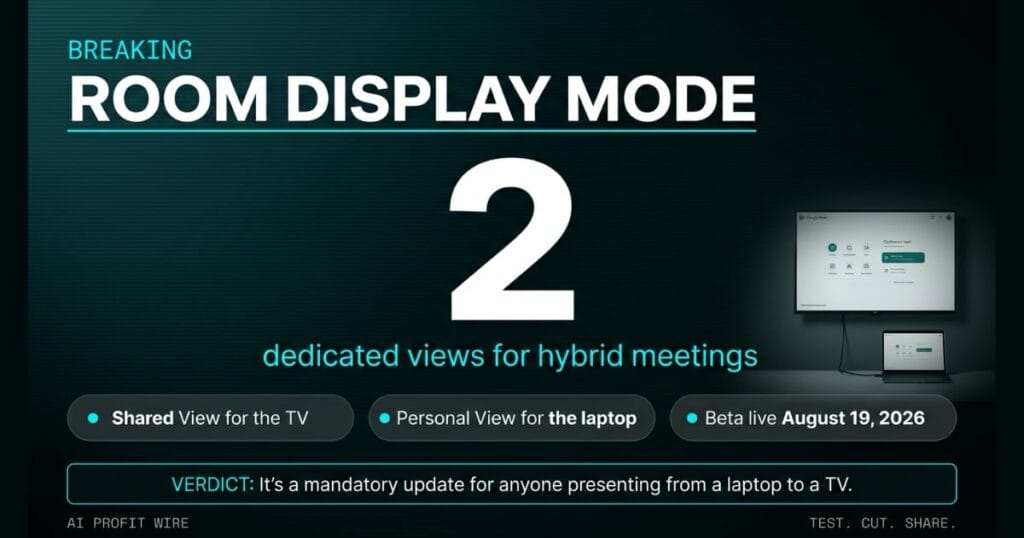
The update replaces manual window dragging with 2 dedicated views. One view handles the meeting display on the TV or projector, while the other manages controls on the laptop.
This automation happens the moment a user connects their device and joins the call. It removes the need to manually adjust browser layouts on external monitors during hybrid meetings.
It’s a targeted fix for hybrid meeting friction during laptop-to-TV connections.
What is the evidence behind Google Meet Room Display mode?
The feature was announced on the official Google Workspace updates blog on August 19, 2026, with a gradual rollout of up to 15 days for feature visibility.
The Shared View on the external display shows remote participant video tiles and shared presentations edge-to-edge, with a full-screen option. The Personal View on the laptop houses meeting controls, peripherals selection, presentation controls, the participant roster, chat panels, and the Ask Gemini panel.
The system requires a Chromium-based browser such as Google Chrome or Microsoft Edge with Window Management permissions enabled. The laptop must be set to Extended mode, not mirrored.
The Personal View on the laptop ensures the presenter can manage the meeting privately without displaying the browser window or personal workspace to the entire room. Chat panels, the participant roster, and the Ask Gemini panel all live on the laptop screen.
The evidence is the official product deployment documentation and the 2 dedicated views it splits the interface into.
How does Google Meet Room Display mode compare to the alternatives, and what background do small business owners need?
Standard screen mirroring requires users to manually resize and drag windows across displays. This often leads to the accidental display of private browser tabs or notifications during client presentations.
Room Display mode automates the split. It’s a software-level update for the web version of Google Meet that doesn’t require new hardware, only a standard HDMI or wireless connection to a display.
Availability covers Business Starter, Standard, and Plus tiers, plus Enterprise, Frontline, Essentials, and Nonprofits editions. Admins have no admin control, and end users get the feature by default when an external display is detected.
It outperforms manual window management by removing human error from the setup.
The client walks into the conference room as the presenter drags browser windows across the laptop screen, trying to push the deck to the wall-mounted TV. The shared display flashes a notification for a competitor’s proposal that was open in another tab, and the meeting opens with an apology instead of a pitch.
The manual window shuffle is the friction point Google Meet Room Display mode removes, because the August 19, 2026 beta splits the meeting interface into 2 dedicated views the moment you connect your device. The TV gets the distraction-free presentation, and the laptop keeps the controls, the participant roster, the chat panels, and the Ask Gemini panel.
The presenter stops apologizing for what the room saw, and the client sees the deck edge-to-edge instead of a cropped browser tab. The 2 dedicated views replace the human error that turns a polished pitch into a fumbled intro.
How does Google Meet Room Display mode affect day-to-day operations for small businesses?
It eliminates the risk of showing sensitive data during client presentations. This protects privacy when using shared projectors in a professional setting.
Founders save time on meeting setup by avoiding manual window adjustments, which mirrors the efficiency found in other recent AI productivity signals that reduce operational drag.
End users get the feature by default when a laptop running a Chromium-based browser is connected to an external display set to Extended mode, not mirrored. There’s no admin control to toggle, and Room Display mode highlights itself as the main option to join the call when a shared display is detected.
It turns a potential technical failure into a client-ready presentation.
What is the final verdict on Google Meet Room Display mode?
This is a low-impact but high-value quality-of-life update that solves a specific, embarrassing pain point for hybrid workers. It isn’t a core AI breakthrough, but it removes a concrete operational bottleneck for any business using Google Workspace for client meetings.
The August 19, 2026 rollout covers Rapid Release and Scheduled Release domains, with full visibility within 15 days. Availability spans Business Starter through Plus, Enterprise Starter through Plus, Frontline, Essentials, and Nonprofits editions.
The beta requires no admin setup, no new hardware, and no procurement cycle. It’s a free capability bump for existing Workspace subscribers.
It’s a mandatory update for anyone presenting from a laptop to a TV or projector.
Source: workspaceupdates.googleblog.com
