Useful for employee onboarding and continuous training by turning internal documentation into structured learning modules.
What are Gemini study notebooks?
Study notebooks turn the Gemini app into an interactive learning platform: you tell Gemini what you are studying, upload your materials, and it builds personalized lessons with progress-check quizzes and a dashboard that sorts topics into Strengths and Focus areas. Google introduced the feature for personal accounts in June, when the company said notebooks could break a learning goal into more than 100 specific objectives, and the Workspace announcement extends it to users of all ages signed into school or work-issued Google accounts.
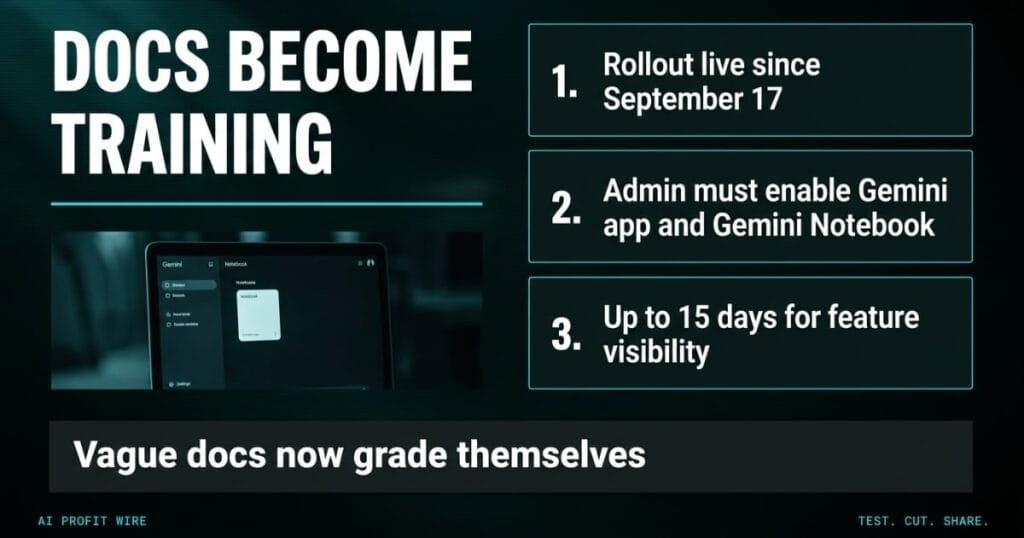
Access is admin-gated: study notebooks appear only for users in a group or organizational unit with both the Gemini app and Gemini Notebook set to On, and there is no end-user setting. Google also renamed NotebookLM to Gemini Notebook in the admin console, so the toggle you are looking for carries the new name.
Your internal documentation is now one admin toggle away from becoming graded training.
The June consumer launch set the pattern: Google’s own blog walked through 5 ways to use study notebooks, and the learning-objective breakdown survived into the Workspace release. Admins manage the feature from the Generative AI menu in the admin console, where the Gemini Notebook service status decides who sees the tile at all.
How do Gemini study notebooks assess knowledge gaps?
The feature builds lessons and diagnostic quizzes from the files you upload, then tracks progress against the goals you set. Google’s help documentation lists the mechanics: diagnostic quizzes, personalized lessons, and progress tracking, with the notebook breaking your goal into specific learning objectives.
The platform relies on the files you provide, which means quiz quality tracks document quality. Vague internal guides produce progress checks that test incomplete concepts, and the notebook will grade your new hires against whatever the upload said, not what you meant.
Generated quizzes inherit every gap in the source documents, then enforce those gaps on your staff.
How do Gemini study notebooks compare to a traditional LMS?
Traditional learning management systems require manual course authoring, video editing, and quiz building, while study notebooks ingest raw documents and build the interactive layer from them. The trade is control: traditional platforms log exact compliance completion rates, while Gemini focuses on adaptive, conversational knowledge testing, as the announcement itself notes.
For regulated training with audit requirements, a dedicated platform still wins. When you outgrow generated lessons, a dedicated course platform like LearnWorlds builds the structured, certifiable version of the same training flow.
Generated lessons win on speed and traditional platforms win on compliance, so know which one you are buying.
Are Gemini study notebooks ready for business onboarding?
The rollout started September 17, 2026 for Rapid Release domains, with feature visibility taking up to 15 days to appear. Availability covers all Google Workspace customers and Workspace Individual subscribers outside the European Economic Area, plus personal accounts worldwide, and Google says EEA access comes in the coming weeks.
Two operational limits matter before you plan a pilot. The admin documentation shows usage tiers that range from 100 to 500 notebooks per user depending on edition, and the help docs require Keep Activity to stay on, with notebooks available today at gemini.google.com but not in the Gemini app on Mac.
One more constraint matters for compliance-minded teams: Google’s help center notes that users signed in to a work or school account cannot share practice tests, quizzes, flashcards, or study guides. That caps the collaboration loop, so training built here stays personal rather than org-wide.
Ready for a pilot, not for a compliance-critical training program, and only where your admin flips both switches.
The mash tun hisses while the shift supervisor stares at a production log three apprentices signed off hours ago, and the bitter batch sitting in tank four says nobody checked the caustic concentration.
Every manual has sat in the shared drive since January, unread by anyone on the floor, and Google’s rollout timeline gives you up to 15 days of gradual visibility before staff even see the study-and-learn tile.
Quizzes generated from vague documents test vague knowledge, so read what the notebook writes before your new hires do.
What should you do about Gemini study notebooks now?
Enable the feature if your team already manages documentation in Google Workspace and onboarding drags, and start by verifying that your administrator has enabled both the Gemini app and Gemini Notebook across your domain.
Audit the source documents before the first upload, because Android Authority’s coverage of the rollout confirms the same admin gating and the same document-driven quality loop. Skip this if your company runs on competing platforms or lacks centralized documentation worth converting.
Fix the docs first, flip the toggle second, because the quiz is only as good as the upload.
Source: Google Workspace Updates
