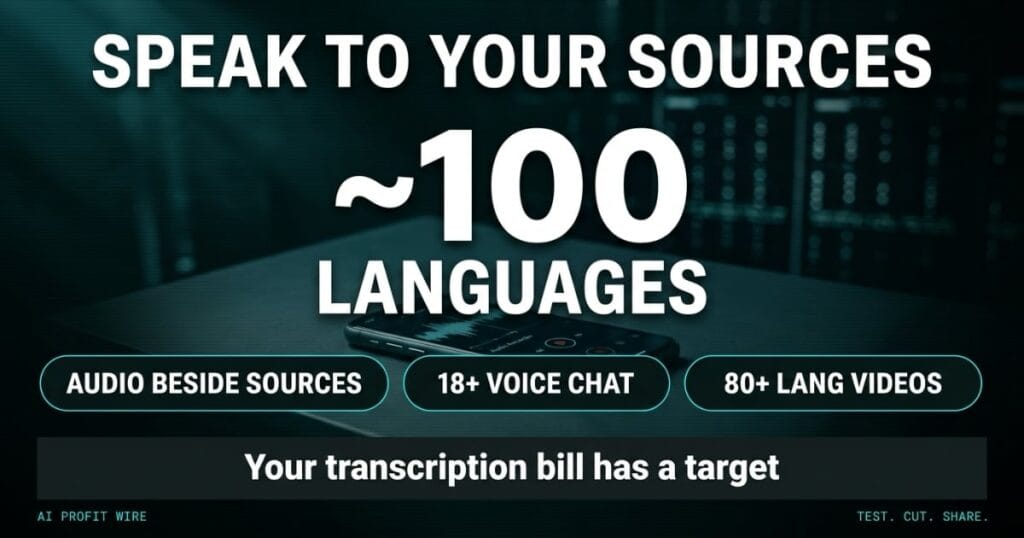
Saves time on note-taking and voice transcription by keeping audio files directly alongside reference sources.
What Did Google Add to Gemini Notebook?
Google shipped a back-to-school update to Gemini Notebook on September 18, and the two features that matter beyond the classroom are an audio recorder and real-time voice conversations inside the mobile app for Android and iOS.
The recorder captures lectures, meetings, or stray thoughts, and the recordings live side by side with your uploaded sources for citation and ongoing edits. Voice conversations work in almost 100 languages, respond grounded in your sources, and can be interrupted mid-answer by speaking.
The same release added interactive learning overviews under Reports, new quiz formats including short answer, multiple choice, and fill in the blank, and Short Video Overviews of about 60 seconds rendered in more than 80 languages.
Exam prep grew teeth as well. Users can chat with the notebook about their performance on the most recent quiz or flashcard set, and both quizzes and flashcards now accept custom questions and edits.
Gemini Notebook went from a reading tool to a capture-and-converse tool in one release, at no added cost.
Does Gemini Notebook Voice Chat Actually Stay Grounded?
Google’s claim is that every voice response draws on the sources you uploaded, which turns the feature from a party trick into a research tool. Grounding is what makes an answer citable rather than plausible.
The mechanics support it. The conversation happens inside your notebook, answers can be interrupted by speaking, and the audio you record files itself beside the material it references, per the product documentation.
The limits are documented too. Voice conversations require users 18 or older, and rollout started September 15 on the extended track, which can run longer than 15 days for full feature visibility.
Admins hold the controls on the Workspace side, with Gemini Notebook set to On or Off per group or organizational unit, and no end user settings to configure.
The grounding claim is the feature, and it is the part standalone transcription apps cannot copy overnight.
Is Gemini Notebook Good Enough to Replace a Paid Transcription App?
For research-adjacent capture, yes. Recording, grounded understanding, and citation in one file covers the core job that standalone transcription tools charge monthly for, and the mobile app puts the whole chain in your pocket at the moment of capture.
The workflow it replaces is the ugly one: record in one app, export the file, pay a transcription service, paste the text into your notes, then hunt for the quote’s origin when someone challenges it.
The boundary is volume. Bulk call transcription across a sales team is a different job with different compliance needs, and this update does not claim it.
Research capture and citation belong in the notebook now, and bulk call transcription stays where it was.
Who Is the Gemini Notebook Update Actually For?
Anyone whose week runs on spoken material that has to become citable: consultants recording discovery calls, analysts capturing conference sessions, founders documenting verbal agreements with suppliers.
The 18+ gate and personal-account availability make it a solo-utility tool first, while Workspace admins hold the on-off switch for team deployments.
The 60-second video overviews compress a source set into a narrated explainer with animations for formulas and diagrams, which is the piece that turns a research dump into something a colleague will consume without a meeting.
The test protocol is one real meeting. Record it, ask the notebook 3 questions about it, and check whether the answers trace back to the audio. Tools worth adopting survive that test in one sitting, which is the same bar we hold the daily signals to.
If your work product quotes what people said, this update landed on your workflow.
The conference bag lands on your desk with 6 business cards and a phone full of voice memos you swore you would transcribe on Monday. The memos outlive their usefulness waiting for a Monday that keeps slipping.
The recorder filing audio beside its source kills that problem at the moment of capture, and voice chat in almost 100 languages means the question you needed answered gets asked on the walk back to the office.
That is the mechanism to copy regardless of the tool: capture and context in one place, because separation is where the value dies.
Should You Use Gemini Notebook Instead of Paying for Transcription?
Run the one-meeting test before your next transcription invoice renews. If the notebook answers 3 questions about the recording with citations, the standalone subscription has a case to answer.
Keep the paid tool for bulk volume, multi-speaker accuracy guarantees, and compliance workflows, because those are jobs the update does not target.
For everything research-shaped, consolidation now costs an hour of setup instead of a monthly fee.
Move the research work first, keep the call-center volume where it is, and re-check the stack every quarter.
Source: workspaceupdates.googleblog.com
