Reduces cost and time spent on content creation for employee training and client reporting.
How does Google Vids turn documents into video?
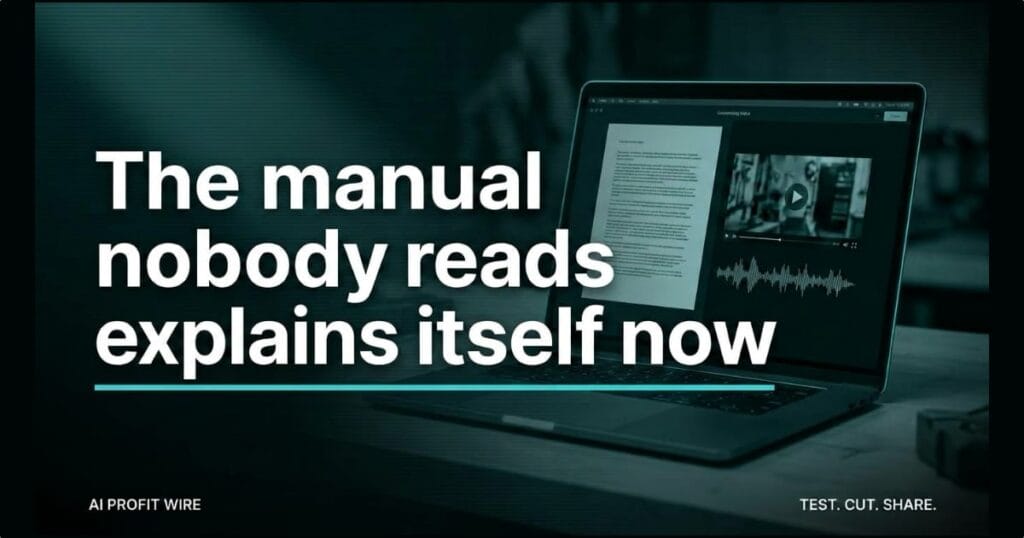
Google Vids now converts static Google Docs, PDFs, and Word files into video summaries. The feature uses AI to write the script, generate the narration, and build custom visuals from the document you already have.
There’s no upload pipeline to configure and nothing for your admin to switch on. Google states there is no admin control and no end user setting for this feature, so the capability is simply present in the app.
Google built it for the material teams actually sit on: training material, meeting notes, lengthy documentation, and reports. The output is a concise video designed to make text-heavy files digestible.
Google frames the use case as catching up: training material you’re behind on, meeting notes you missed, and lengthy reports you would otherwise skim. The summary format is the point, not a bonus.
The document is still the source, and the video is now automatic.
Does Google Vids actually generate the script and narration?
Yes, that’s the core of the announcement. Google’s own release says the feature uses AI to generate scripts and narration while providing custom visuals that bring the document to life.
What Google doesn’t publish is any accuracy benchmark for the narration, so the honest read is that the machine handles structure and voice while you judge whether the nuance survived.
Google does point users to a Help Center guide for creating summary videos from documents, and the whole workflow starts at vids.new without a setup call.
Timing is the useful part. The feature is live now on Rapid Release domains, and Scheduled Release domains get gradual rollout over up to 15 days starting September 5, 2026, so most tenants will have it within the month.
The claim holds, with the caveat that nobody has benchmarked the narration quality yet.
Is Google Vids good enough to replace manual training videos?
For the videos nobody was making anyway, yes, and that’s the realistic comparison. Producing a training video manually means scripting, recording, and editing, which is exactly why most small businesses ship PDFs instead.
Vids collapses those production steps for summary-grade material. The old way made video a project with a brief and a budget, and this makes it a file conversion.
Where manual production still wins is nuance and brand voice on client-facing material. Use the automatic cut for internal consumption, and judge the narration before anything reaches a customer.
It replaces the videos you never had time to make, not the ones worth producing properly.
The dispatcher’s counter holds a binder nobody has opened since the safety checklist went digital. The updated PDF went out to the whole crew 2 weeks ago, and the read receipt count is still in single digits.
The same file, dropped into Vids, comes back as a narrated video that plays on a phone in the truck before the first job. No admin ticket, no new subscription, because it’s already sitting inside the Business Starter plan the company pays for.
Google’s gradual rollout started September 5 and stretches up to 15 days, which is enough time to pick the 3 most-ignored documents in the business and convert them first. The crew that never opens the binder is exactly the audience this feature was built for.
Which Google Workspace plans include Google Vids?
Google lists availability across Business Starter, Standard, and Plus, plus Enterprise Starter, Standard, and Plus. Education Plus, Nonprofits, and the Google AI Plus, Pro, and Ultra consumer plans are covered too.
Education Add-ons are included as well, specifically Google AI Pro for Education and Teaching and Learning. If your edition isn’t on that list, this feature isn’t in your tenant yet.
Consumer availability through Google AI Plus, Pro, and Ultra also means a solo founder without a Workspace tenant can run this from a personal account.
For a small business already on Business Starter, the cost of trying this is zero new spend. It’s inside the plan you’re already paying for.
Check your edition, because the feature ships with plans most small businesses already run.
How do you turn a Google Doc into a video in Google Vids?
Start at vids.new, Google’s shortcut straight into the app. Pick the document, let the AI generate the script and narration, then review the cut before you circulate it.
The practical move is an audit of your most boring internal documents. Find the reports your team ignores, convert the 3 most critical ones, and see whether the narration captures the nuance of your business.
Meeting notes and lengthy reports are the natural first candidates, because they’re read once at best and referenced constantly. If the built-in voice isn’t good enough for material that faces customers, a dedicated AI voice tool like ElevenLabs gives you more control over the read before you commit budget to studio production.
Start at vids.new with the 3 documents your team already ignores.
Source: workspaceupdates.googleblog.com
