Increases meeting efficiency and reduces hardware friction for teams using Google Meet rooms.
How do you start Google Meet AI notes from the room hardware?
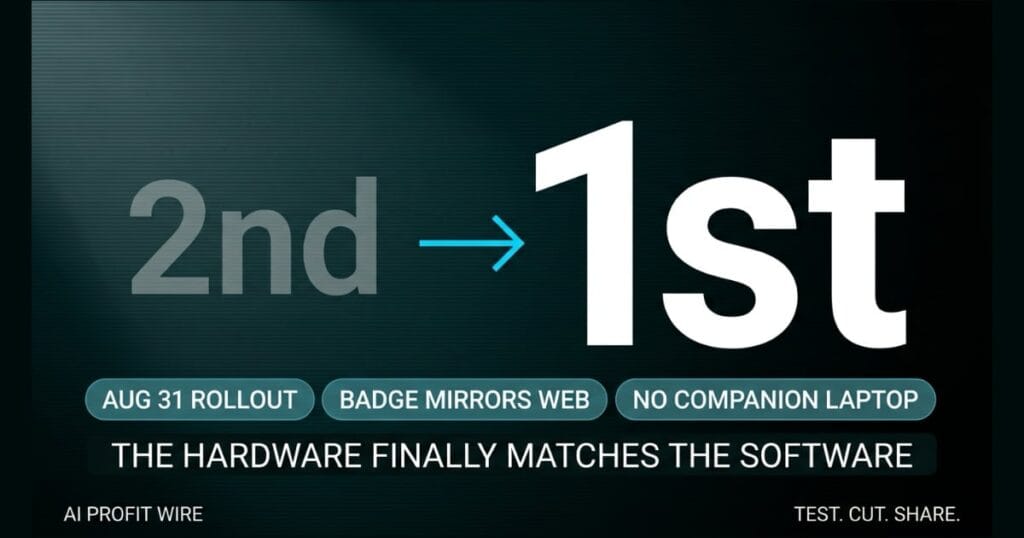
On August 31, 2026, Google begins rolling out direct control of the Take notes for me feature from the Meet hardware touch controller, with Rapid Release and Scheduled Release domains following on September 8.
The update surfaces a dedicated badge on the touch controller screen, mirroring the web experience, so in-room participants can toggle Gemini notes between active and inactive without joining on a laptop.
Users can also pause note-taking for off-the-record segments and resume with a single tap on the same screen.
The hardware touch controller now does the same job the laptop in Companion mode used to do.
Does the Google Meet touch controller actually replace Companion mode?
Yes, for meetings where Take notes for me is available, the touch controller surfaces the same controls the web client does.
The update removes the operational step of booting a laptop, joining in Companion mode, and triggering Gemini notes from the second device.
The gradual rollout runs up to 15 days for full feature visibility, so some rooms will see the badge before others in the same domain.
Companion mode is no longer the only path to start a transcript from a physical room.
Is Google Meet hardware AI notes better than using a laptop?
For in-room participants, hardware control eliminates the device clutter and the second sign-in required to run Companion mode alongside the room system.
Companion mode still works for participants who want to contribute from their own screen, but it stops being the default path for the person running the meeting.
The tradeoff is that hardware control only fires when both the Meet hardware and the Workspace plan tier are eligible, and the source confirms the hardware itself requires a separate license.
Off-the-record handling also improves with the touch controller, because the host can pause note-taking for sensitive segments and resume with a single tap, without leaving the meeting flow or signaling to the room that the AI is being toggled.
This is a sharper control than the Companion mode path, which required the host to step out of the room conversation, return to the laptop, and toggle the Gemini state from a second screen.
Hardware control is better for the meeting owner, but only if the room is licensed for it.
The room calendar reads out the next three meetings of the day while the team filters in. The founder walks to the table, taps one icon on the touch controller, and the Gemini badge lights up beside the meeting title. No laptop opens, no second join request fires, and the first minute of the call is the meeting itself, not a sync ritual.
The cost of Companion mode was never just the laptop. It was the lost opening minute on every client call where the host was still fiddling with the second device while the client already started talking. That minute, multiplied across every in-person meeting in a quarter, was the real tax.
Now that same room ships with the badge on the controller, and the host starts the transcript from the place they were already standing.
Who is Google Meet hardware AI notes actually for?
It is for teams that already operate licensed Google Meet hardware in a physical conference room and pay for a Workspace plan tier that includes Take notes for me.
Plan tiers confirmed in the source include Business Standard, Business Plus, Enterprise Standard, Enterprise Plus, Google AI Plus, Google AI Pro, Google AI Ultra, Frontline Plus, and Google AI Pro for Education.
Teams that meet in person three or more times a week and rely on accurate transcripts for client follow-up get the most operational lift, because the per-meeting laptop friction was the bottleneck on every call, and this update is one of the in-person AI workflow signals worth tracking quarterly.
The update is built for any founder who already paid for the room and was still paying in laptop friction to use one feature.
Should small business owners switch to Google Meet hardware AI notes?
If you already operate Meet hardware on an eligible Workspace plan, the only switch is procedural: stop joining on a laptop to start the transcript and start it from the touch controller once the rollout reaches your domain.
If you do not yet have Meet hardware, this feature alone does not justify the separate hardware license, but it does tip the calculation for any team that was already weighing a hardware refresh for in-person meeting quality.
Confirm your plan tier before the rollout date, because the badge only appears on the touch controller when the underlying Workspace plan and the hardware license both check out.
Switch the workflow the day the badge appears, and skip the hardware purchase if you were not already considering one.
Source: workspaceupdates.googleblog.com
