Reduces cost and time for SMBs creating high-quality marketing videos and social media content.
What is Gemini Omni 1.1 Flash and what does it do?
Gemini Omni 1.1 Flash is Google DeepMind’s production-ready update to its generative video model, announced for the Gemini API in Google AI Studio. The update trades randomness for direction: extend scenes, set start and end frames, and upscale to 4K.
Omni 1.1 builds on the original Gemini Omni’s real-world reasoning for generative creation, and the 1.1 release is what makes it production-ready for professional use. You call it with the model ID gemini-omni-1.1-flash through the API.
Scene extension now analyzes up to 10 seconds of prior context, a leap from previous models that referenced only the final second of a clip. You extend videos in 10-second increments up to a total cumulative length of 40 seconds.
Access is already live. The model runs in Google AI Studio, through the Gemini Enterprise Agent Platform API, and is rolling out to Google AI Plus, Pro, and Ultra subscribers globally in Google Flow, with scene extension available in the Gemini app.
The update moves AI video from generating clips to directing scenes.
Does Gemini Omni 1.1 Flash actually fix AI video consistency?
The 10-second context window is the consistency fix. Characters, lighting, and camera continuity survive across extensions because the model sees a whole scene of prior footage instead of one frozen final frame.
First and last frame control adds the professional layer on top. Specify two keyframes and the model generates continuous video between them, built for camera orbits, zoom transitions, and continuous loops without jump cuts.
The code path matches the professional framing. Scene extension passes a previous interaction ID to the model, so each new segment continues an existing shot instead of starting a fresh one.
A third control extends consistency to your own footage. You can reference up to 3 seconds of video in your multimodal input to hold character and visual context across generations.
Yes, within its limits: 40 seconds of directed, consistent footage beats a folder of lucky 8-second generations.
How does Gemini Omni 1.1 Flash compare to Runway and Firefly?
The comparison is already live inside professional tools. Adobe integrated Gemini Omni Flash into Adobe Firefly, and Figma’s creative director calls it one of the strongest video models available in Figma Weave, saying extensions and 4K resolution take teams “beyond generating videos to truly directing them.”
Runway’s chief creative officer describes Omni Flash as fitting naturally into existing workflows: start with a prompt, an image, or a video, then generate or edit. GMI Cloud pitches its accuracy instead, arguing the details hold up under scrutiny for educational and explanatory content.
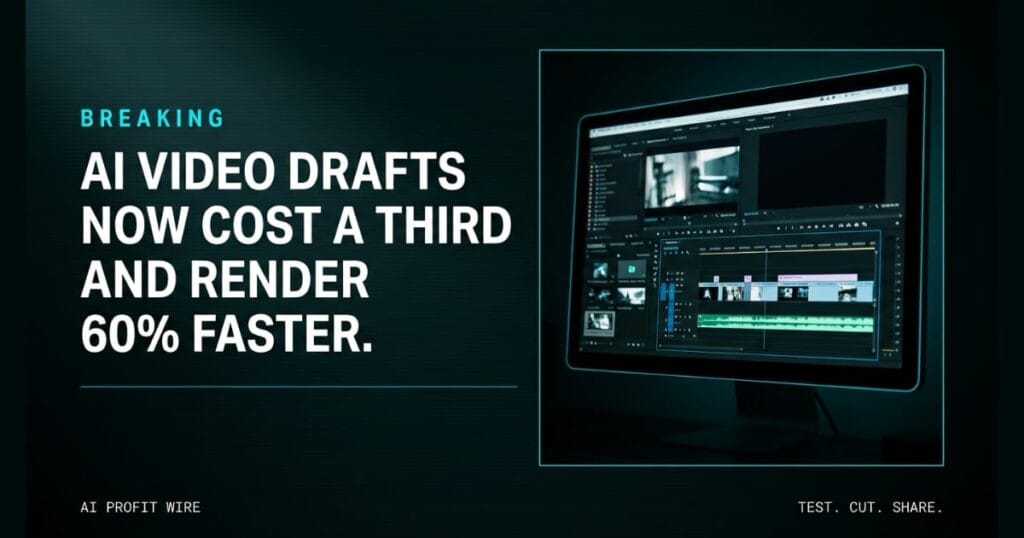
On cost, drafts are the differentiator. 360p previews generate up to 60% faster and at a third of the cost of Omni 1.1’s standard 720p renders.
Third-party pricing trackers list 720p output at roughly $0.10 per second, so a discarded test costs cents instead of dollars. The vendor announcement shows a pricing table but states no rates itself.
The model is the control layer that Firefly, Figma Weave, and Runway are already adopting.
The living-room set has been rebuilt twice for light the client still doesn’t like, and a 6-person furniture brand is 3 rounds into a product video for a single sofa. Each reshoot burns a morning the founder doesn’t have.
That’s the slot machine: full production rates to discover what you actually want. The draft economics flip it. Drafts in 360p render up to 60% faster at a third of the cost, so the argument happens before anyone pays for final pixels, then the winner extends in 10-second increments toward a 40-second cut.
The studio doesn’t disappear. It moves to the final render, where the client has already said yes.
Who is Gemini Omni 1.1 Flash actually for?
Developers building creative tools get the API first: scene extension, keyframe control, and upscaling are features in Google AI Studio and the Agent Platform API.
Marketers and creators meet the same model through the tools that integrated it: Adobe Firefly, Figma Weave, and Runway, plus Google Flow for AI Plus, Pro, and Ultra subscribers.
For a small business owner producing marketing video, the practical entry is a draft loop: generate cheap 360p variations, approve one, upscale it to 4K, and pair the finished cut with an AI voiceover for the final spot.
Builders get the API, marketers get the integrations, and both get the same cheap iteration loop.
Is Gemini Omni 1.1 Flash production ready?
Yes, and that framing comes from Google itself: production-ready for professional use via the Gemini API in Google AI Studio.
Test it against your own footage before committing budget. Draft the same scene at 360p and 720p, extend it to the length you need, and judge the consistency claim on your own project rather than a demo reel.
Budget the draft loop, not just the final render. With 720p output listed around $0.10 per second and 360p drafts at a third of that cost, a 3-to-4-variation exploration stays cheap while the single approved upscale is where the spend lands.
Start in AI Studio, keep 360p for exploration, and reserve 4K for the cut the client already approved.
Source: Google DeepMind
