Reduces administrative overhead by enabling hands-free email management and automated document creation for owners on the go.
What does Gemini Live actually do for founders?
Gemini Live is Google’s voice-controlled assistant layer, and this week it moved from answering questions to finishing tasks. It now manages schedules, email, and documents hands-free across Google’s apps.
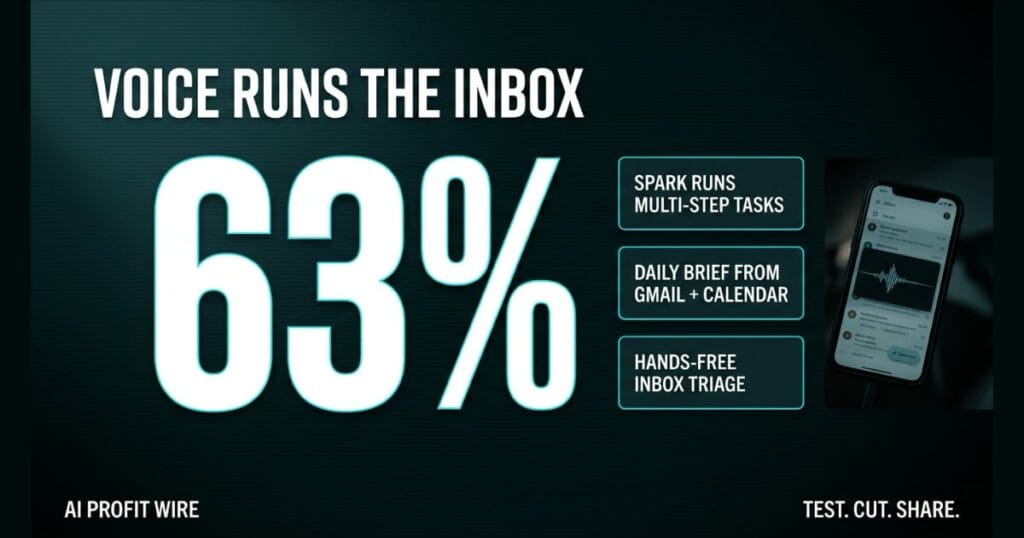
The upgrade rides on 4 pieces: Spark for multi-step agentic work, Daily Brief for a spoken morning digest, hands-free inbox management, and Personal Intelligence for memory across your account.
Personal Intelligence connects the dots across your past conversations and apps like Gmail, Photos, Search, and YouTube. Ask for the restaurant name from a trip last summer and Gemini pulls it from chat history and connected apps instead of making you dig.
Spark can take an unstructured voice brain dump and return a neatly structured outline in Google Docs by the time you sit down to work. That is a founder capturing a full idea set from the driver’s seat, at talking speed.
Gemini Live converts voice into finished work, not just answers.
Does Gemini Live actually handle multi-step tasks?
Yes. Spark runs tasks entirely on its own across Google Docs, Sheets, Drive, and the web, and it remembers your goals as it goes.
It handles long-running, scheduled jobs across days or weeks, even when you aren’t in the app. That is the difference between a voice command and a delegated project.
Google’s own example runs the whole chain: ask “what does my day look like” while making coffee, hear the schedule plus the school newsletters sitting in your inbox, then say “grab those event invites from my email, create family calendar events, and include the driving times.” Spark takes the entire job in the background while you finish getting ready.
It works for recurring operations too. Gemini can maintain a weekly meal plan, build a high-protein vegetarian menu, and generate the grocery list from recipes saved in Docs.
Spark turns a single sentence into a background operation that spans weeks.
Is Gemini Live better than manual email management for small businesses?
For triage, yes, because the screen was the bottleneck. You can search, summarize, star, archive, or delete messages hands-free, mid-conversation, with questions as plain as “any new emails?”
Manual sorting forces context switching between the inbox, the calendar, and the task list. Voice triage collapses that into a single thread: ask about urgent emails from a specific sender while you’re walking between meetings.
The Daily Brief stacks on top of it. Say “what’s my daily brief” and Gemini combines the most important updates from Gmail and Calendar into 1 spoken digest, which answers “what should I care about today” without a screen.
Hands-free triage deletes the app-switching tax from your morning.
A torque wrench clicks in the hand of a lead mechanic signing off the weekend rental fleet. He reports the job as finished, but he missed the cable tension on 2 of the 10 bikes.
Delegation without verification is the trade Gemini Live just offered every founder. 63% of users already talk to Gemini out loud, and now those words hand off real work instead of only requesting information.
The mechanic’s problem was never the wrench, it was the sign-off. When your calendar events and driving times get built without you, the founder’s job shifts from doing the work to checking it.
How does Gemini Live fit into a founder’s daily workflow?
It fits owners who move all day and can’t sit at a laptop. The Daily Brief gives you the to-do list, Gmail, and Calendar as a spoken summary while you’re still making coffee.
Setup is short: connect your apps in the Gemini Personal Intelligence settings, then tap the Live icon and start talking. The features read your existing Google stack, so there’s no new system to build.
The voice layer also pairs with how owners already produce content. Founders scaling audio can pair Gemini’s hands-free operation with AI voice synthesis from ElevenLabs to keep a voice-driven stack running end to end.
Dead time in commutes and between jobs just became administrative capacity.
Google AI Plus vs AI Pro: which tier runs a small business?
The split is clean. Daily Brief, the spoken morning digest, is available with a Google AI Plus subscription or higher, while Spark, the multi-step agent, requires a Google AI Pro subscription or higher.
That means the entry tier automates your briefing and the Pro tier automates your execution. An owner who only wants the morning digest can stay on Plus, and the moment you want jobs that run for weeks, Pro is the gate.
Google did not publish tier pricing in the announcement, so weigh the tiers by workflow, not by invoice math.
Plus tells you what your day looks like, Pro starts clearing it.
Is Gemini Live worth an AI Pro subscription?
It depends on whether you need background agents or just briefings. Spark, the feature doing multi-step scheduled work, sits behind the Pro tier, and no dollar price for that tier appears in the source.
Owners who only triage an inbox or want the spoken digest can stay on the lower tier. If your week lives in Docs, Sheets, and Drive and you’d delegate whole projects, Pro is the only tier that does it.
The honest test is free first: connect your apps, run the voice inbox and Daily Brief for a week, and measure how much admin actually disappears before you upgrade anything.
Pay for Pro when you’re delegating projects, not while you’re still testing voice.
Source: Google AI Blog
